























Large-screen smartphones are becoming increasingly popular, with models like the Samsung Galaxy S25 Ultra and Apple iPhone 17 Pro Max leading the trend. These expansive displays not only enhance entertainment experiences but also boost productivity for users.
However, for most users, one-handed operation on these “giant” devices can be challenging. Users often find themselves holding the phone in uncomfortable positions, especially when texting or performing other one-handed tasks.
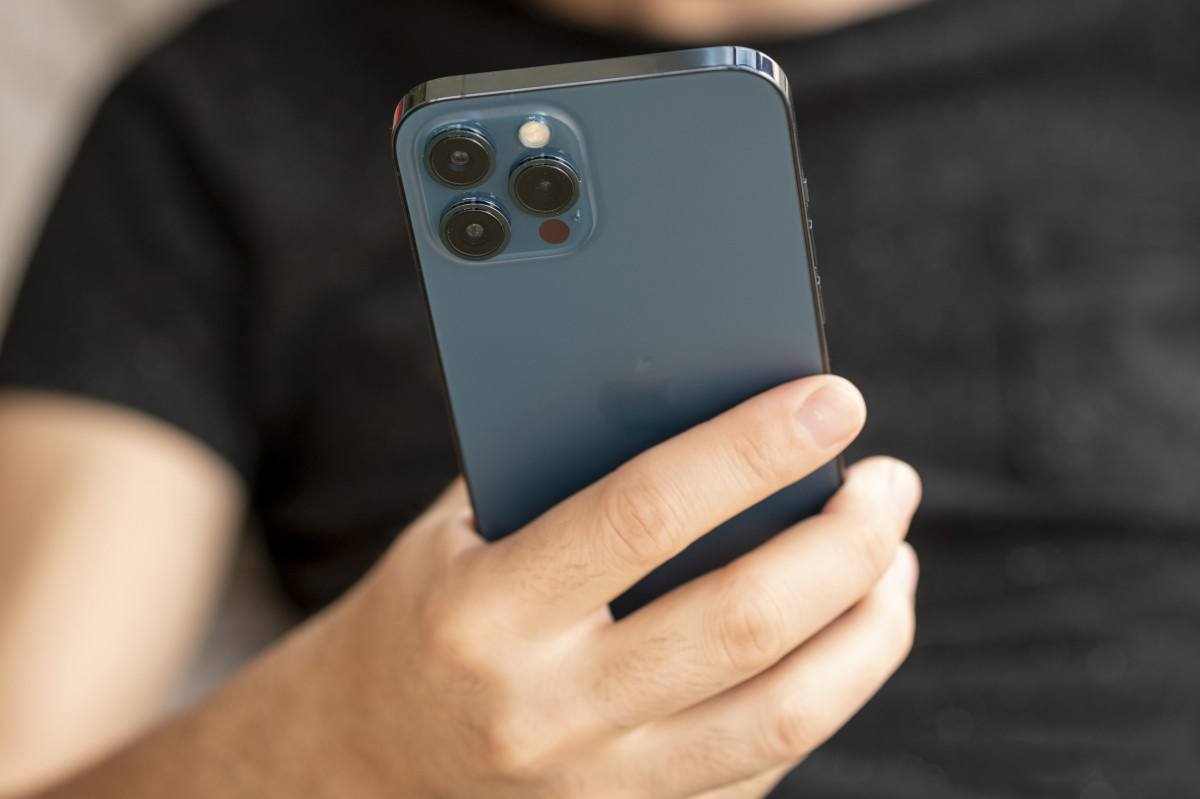
(Illustrative image)
According to The Sun, a common mistake many iPhone users make is holding their device incorrectly, which not only reduces convenience but can also impact hand health. Most users have experienced the struggle of stretching their fingers to reach distant screen corners or tilting the phone awkwardly to perform actions.
Fortunately, Apple has addressed this issue by developing two features to enhance one-handed usability, with the standout being the Reachability mode. This feature allows users to comfortably operate their iPhone with one hand, even on larger-screen models.
When Reachability is enabled, the top half of the screen shifts downward, making it easier to access icons or buttons without adjusting your grip.
To activate Reachability on iPhones from the iPhone 6 and later, follow these steps:
Step 1: Open Settings and select Accessibility.
Step 2: Under Physical and Motor, choose Touch.
Step 3: Toggle the Reachability switch to activate it (turns green).
Once enabled, simply swipe down on the screen to use your phone more comfortably. To return to full-screen mode, tap the top half of the screen lightly.
Thanks to this simple yet effective feature, iPhone users no longer need to strain or hold their devices awkwardly when operating with one hand, making phone usage more convenient and comfortable than ever.