




















In Apple’s latest software update series, iOS 26.2 has garnered significant attention. According to Apple’s announcement, this update focuses on enhancing the user experience across Apple Music, Podcasts, and Games, while introducing new features, bug fixes, and security patches for iPhone users.
Apple has streamlined the update process. For devices with automatic updates enabled, iOS 26.2 may already be installed. For manual updates, users simply need to navigate to Settings > General > Software Update, then choose to update immediately or schedule a nighttime installation.
Notable New Features
iOS 26.2 has been available as a beta since November, allowing early adopters to preview the changes. The official release brings a host of notable upgrades.
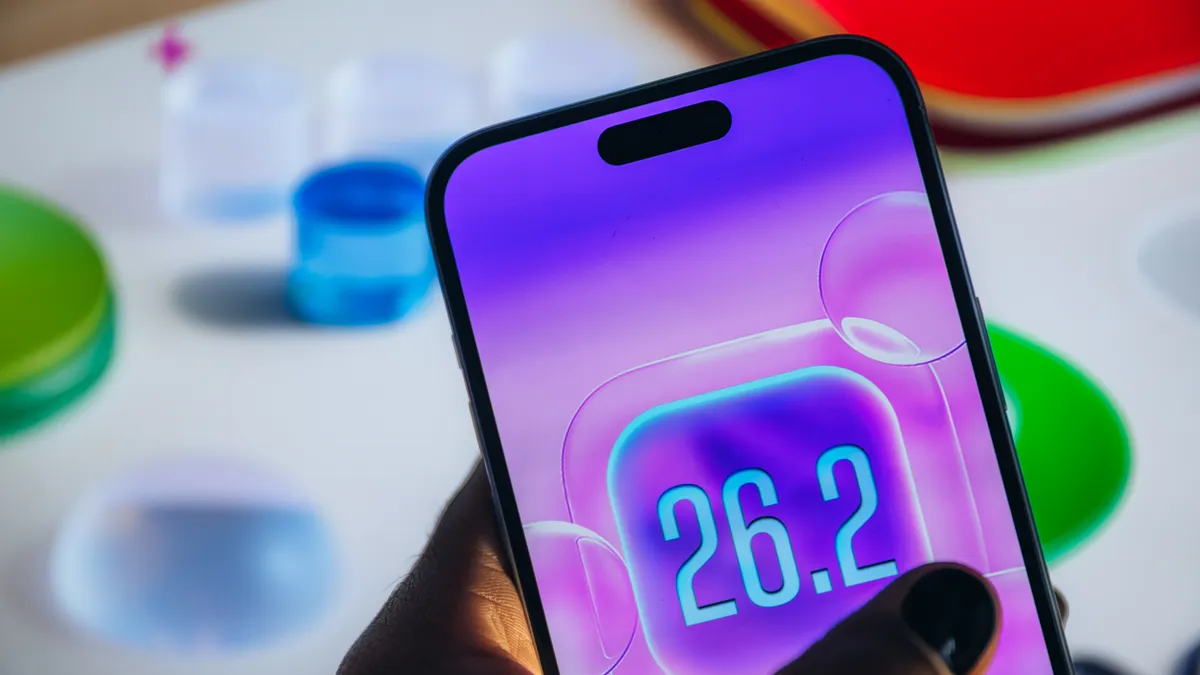
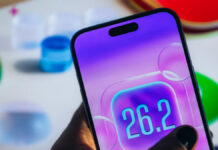
iOS 26.2 introduces a range of notable upgrades. (Image: CNET)
For Apple Music, users will notice a more prominent display of their favorite playlists, along with the ability to view offline lyrics for downloaded songs. The Podcasts app gains an automatic chapter creation feature, making it easier to navigate content within an episode.
In the gaming department, the game library receives new filters, along with improved support for third-party mobile controllers. Additionally, iOS 26.2 offers new customization options for the lock screen, including opacity adjustments for the Liquid Glass effect.
Apple has also bolstered security measures, introducing enhanced security alerts and AirDrop verification codes when connecting to unknown contacts. The Apple News app gains new navigation options, while a new accessibility feature allows the screen to flash when notifications arrive.
Unified Updates Across Platforms
Not limited to iOS, iPadOS 26.2 also brings 17 changes and bug fixes, notably improving the windowing system with familiar drag-and-drop gestures. New features on iPadOS mirror those on iOS, including favorite playlists and offline lyrics on Apple Music, automatic chapter creation in Podcasts, new game library filters, and multitasking gestures for quick window arrangement or Slide Over mode.
Meanwhile, macOS 26.2 introduces a new video calling effect called Edge Light. This feature simulates a ring light by softly illuminating the edges of the screen, enhancing video quality in low-light conditions. Edge Light works best in dim environments and can be combined with other video effects.
The iOS, iPadOS, and macOS 26.2 updates are expected to deliver a seamless and improved experience across Apple’s entire device ecosystem.